Become friends with your CNC.
ChantoCNC is professional-grade CAM for the home workshop. Draw, V-carve, inlay, and carve 3D reliefs, watch every cut in a true 3D simulator, then export G-code your machine speaks.
One-time license · 3 machines · 2 years of updates · GRBL / LinuxCNC / Mach3 / Marlin / Masso
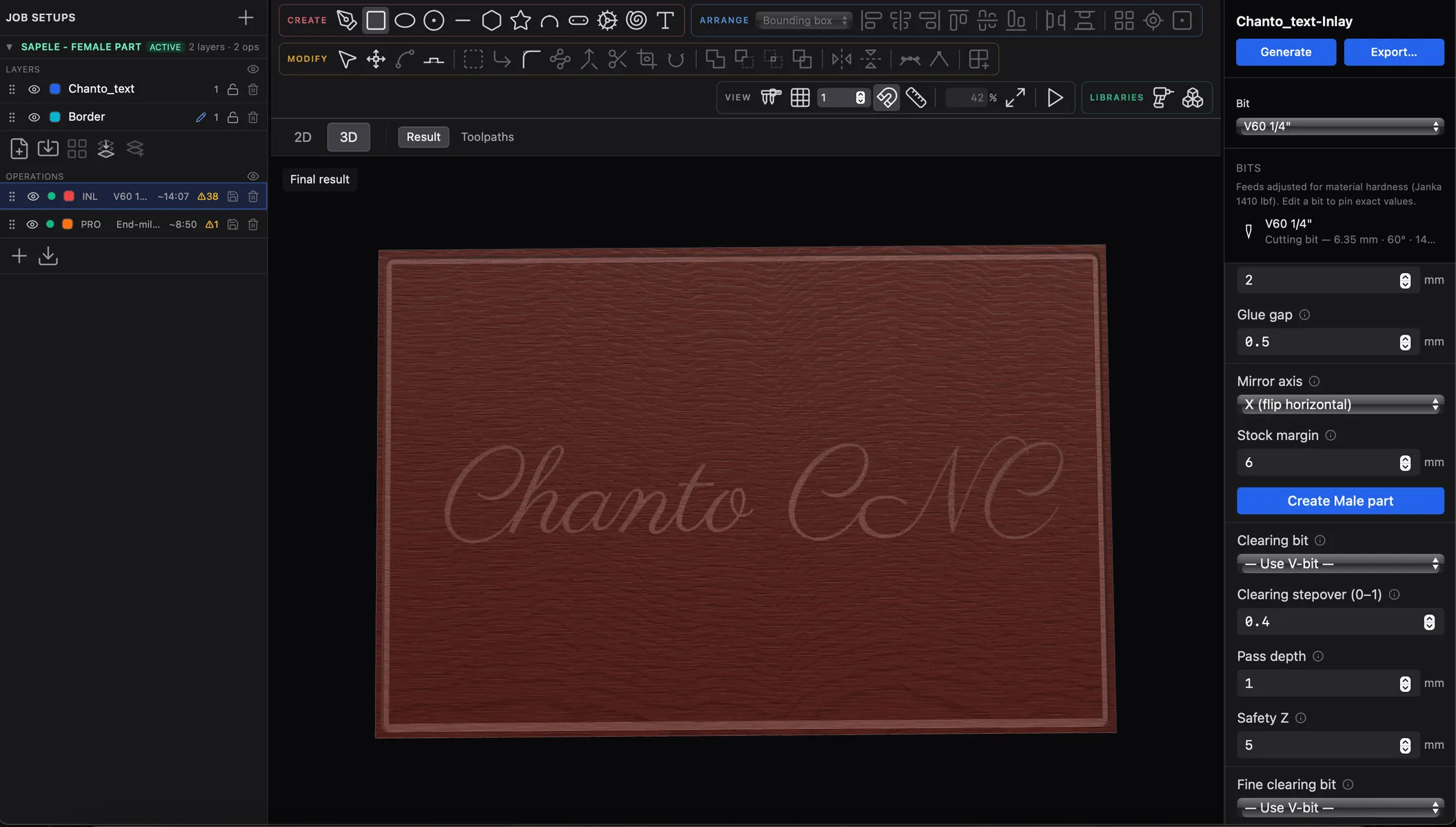
From artwork to G-code
Everything between the sketch and the spindle
Draw in the app
Shapes, pen, node editing, boolean ops, alignment, and text on a path — design the whole sign without leaving your CAM tool.
Sign-maker's toolpaths
V-carve, engrave, pocket, and profile with tabs — plus reliefs from 3D meshes and depth maps.
See every cut first
A true 3D material simulator shows exactly what the machine will leave behind, before you touch stock.
Fonts that cut right
Bundled single-line stroke fonts for fast engraving, or import your own TTF/OTF outline fonts for carved lettering.
Ready for your machine
GRBL, LinuxCNC, Mach3, Marlin, and Masso post-processors, with per-setup control of origin corner and Z zero.
Projects that travel
Self-contained project folders — fonts embed on use, so a project opens identically on any machine.
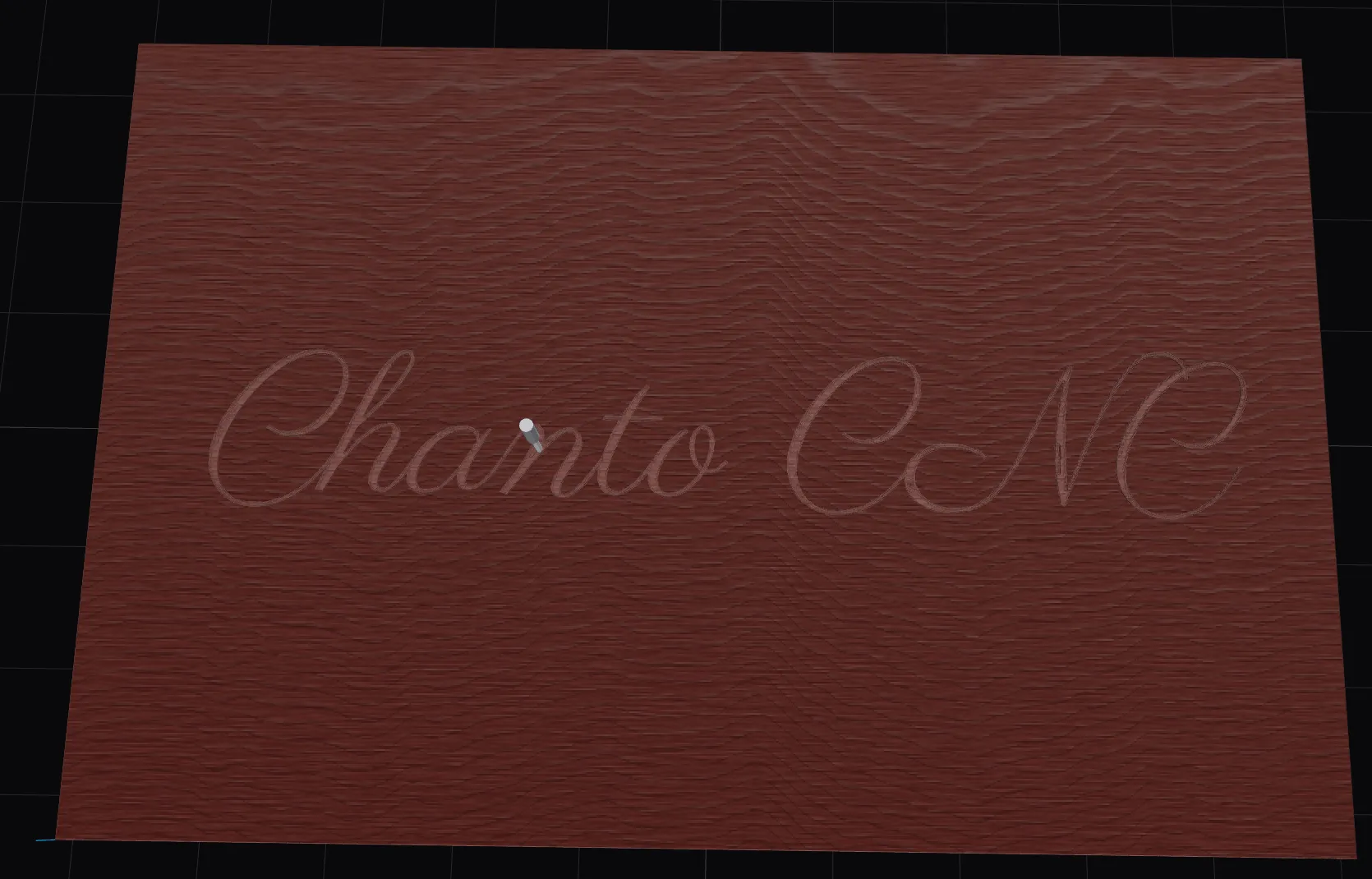
The simulator is the promise.
A dexel-accurate preview of exactly what the machine will leave behind — before you clamp the stock.
Pricing
One license, no subscription
One-time purchase — the app is yours. It activates on up to 3 devices and includes 2 years of updates; after that it keeps working, and you can renew any time for new versions. Every feature is free for 30 days first.